OpenClaw → Hermes
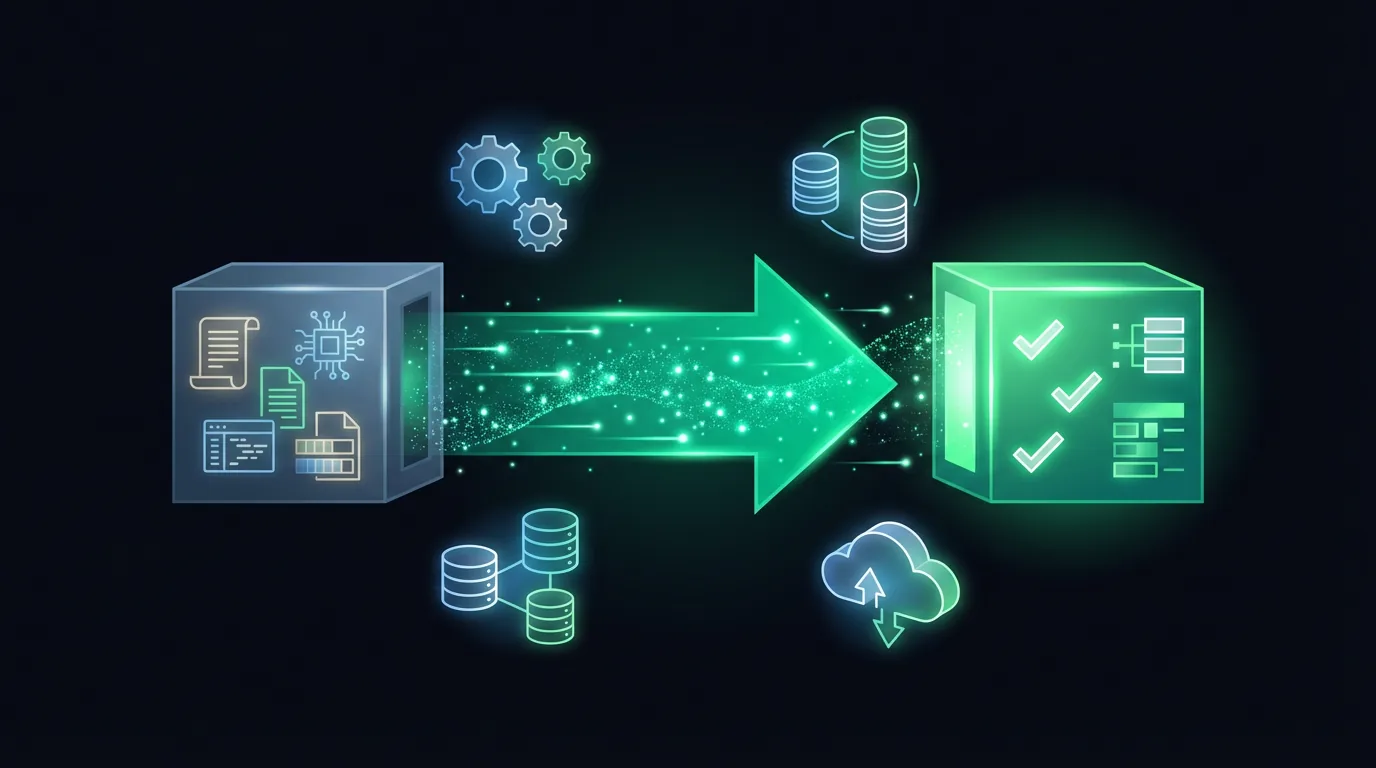
Migration in three steps. Your config survives. We back up, import, and health-check in one command.
1
Back up
Old config, API keys
2
One command
hermes claw migrate
3
Validate
Send a test message
Pre-flight checklist
- ✓ Back up the old tree:
cp -r ~/.openclaw ~/.openclaw.bak - ✓ Hermes installed with version ≥ v0.10.0
- ✓ Note down at least one primary API key
- ✓ Confirm the model providers you use are reachable
- ✓ Bot tokens for Telegram/Discord/etc. are still valid
Run the migration
# Dry-run first — shows what will change
hermes claw migrate --dry-run

# Apply
hermes claw migrate
The migrator reads your OpenClaw tree, maps config/skills/channels to their Hermes equivalents, and writes to ~/.hermes/. Original data is never deleted.
Validate
- ✓
hermes doctorreturns all-green - ✓
/tools listshows the same toolset - ✓ Send a test message on each bot channel — all reply
- ✓ Run one cron task manually to confirm scheduling works
- ✓ Back up again:
tar -czf ~/hermes-backup.tar.gz -C ~ .hermes/
Common failure modes
Channels silent after migration
Bot tokens expired or webhooks weren't re-registered. Re-issue the token in BotFather, update ~/.hermes/config.yaml, restart the gateway.
Model calls fail after migration
Key format incompatible or base_url missing. Run hermes model to re-enter credentials and pick a default.
Command hangs mid-migration
Flaky network or a very large config file. Ctrl+C, then migrate in parts: config.yaml first, then .env, then skills.
Migration done. Now what?
Start the 7-day path — it catches you up on anything OpenClaw didn't have.
Take the 7-Day Tutorial